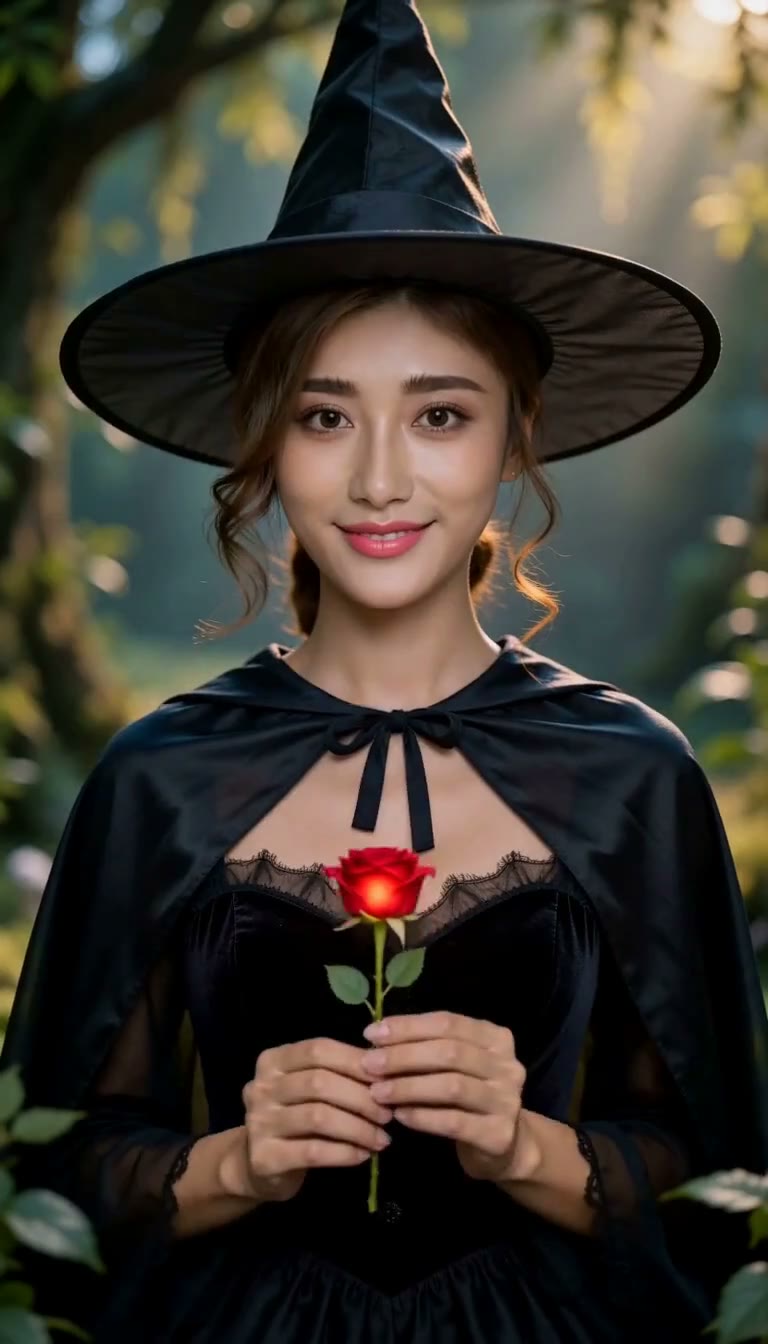
One Selfie. Five Halloween Video Effects.
Halloween AI Video Generator From One Selfie
Turn Your Photo Into a Halloween Video
Wondering how people make Halloween AI videos on TikTok? Turn one clear adult selfie into a short Halloween animation with Zombie Love Story. Choose from five ready-made effects, including a magical witch, glowing vampire eyes, animated spider makeup and playful clown transformations. Preview the effects before paying, then generate a five-second vertical 9:16, 768P MP4 for 4 credits. No video editing or prompt writing required.
Before your close-up
Halloween Video Questions
Can I create a Halloween AI video for TikTok using just one photo?
Yes. Upload one clear adult selfie, select one of the available Halloween video effects, and generate a five-second vertical MP4. The 9:16 format is suitable for uploading to TikTok, Instagram Reels and YouTube Shorts. Share it as AI-created content.
Can I turn myself into a zombie with this Halloween video generator?
Not with the current five effects. This generator offers witch, vampire, spider makeup and clown-themed animations. For a zombie romance featuring two people, use the separate Zombie Couple AI Video Generator with two adult portraits.
Can I upload a couple photo?
No. Use one adult selfie for the Halloween video effects. A group or couple photo is not the supported input for this tool.
Can I add TikTok music after downloading?
Yes, you can edit your downloaded MP4 in TikTok or another editor. Use music only when you have permission or a suitable platform license. This generator does not provide or guarantee a particular TikTok song.
Halloween AI video vs. Halloween AI photo: what is the difference?
This tool creates a five-second animated MP4 for 4 credits. The Halloween Costume Generator creates a static 3:4 image for 1 credit. The two tools use different prepared templates.
Do I need to write a prompt to create a Halloween AI video?
No. Choose one of five ready-made Halloween video effects, upload your authorized adult selfie and generate your video. Each effect has a prepared animation, so no custom prompt or editing skills are required.
What Halloween video effects can I choose?
Choose from Flaming Rose Witch, Shattering Clown Mask, Vampire Laser Eyes, Living Spider Makeup and Exploding Clown Nose. Each creates a different five-second Halloween animation.
How do I make an AI Halloween video from a photo?
Select one of five Halloween effects, upload a clear adult selfie, confirm photo permission and submit your generation. The AI uses your photo as a visual reference and follows the selected animation template.
What kind of photo works best?
Use a sharp, well-lit, front-facing or slightly angled photo of one adult. A head-and-shoulders portrait works well; a full-body photo is unnecessary. Avoid sunglasses, covered faces, heavy blur and group photos. We do not claim automatic face-count or age verification.
What happens to landscape or square photos?
Your photo is used as a character reference. We correct orientation, remove metadata and compress it without cropping or adding borders. The model creates a vertical 9:16 scene with the selected costume and action.
How long is my video, and what can I download?
The requested result is a five-second vertical 9:16 MP4 at 768P, with model-generated sound. Reference clips are labeled separately and may have different lengths and shapes. Your completed result gets private playback and a Download Video button.
How much does the Halloween AI Video Generator cost?
Each submitted Halloween video uses 4 credits. One-time credit packs start at $3.99 for 4 credits. Browsing templates, watching examples and choosing a photo do not use credits. Try Again is a new generation at the same displayed price. A failed or rejected task returns its generation credits automatically.
Can I change effects after uploading?
Yes. Switching effects keeps your prepared photo and never generates a video automatically. A submitted task remains attached to the effect and photo chosen at submission, even while you browse other effects.
Will my Halloween video look exactly like the example?
The examples show the intended creative effect. Your generated video uses your uploaded photo, so facial details, movements, makeup and visual timing may vary. An exact match is not guaranteed. Review your own clip before sharing. No voice imitation or dialogue is requested.
Is this a horror or violent video tool?
These are playful Halloween costume and magic effects. Blood, injury, gore, threats and harmful content are prohibited. We attempt checks on uploaded photos, the final prompt and generated video. Temporary screening-service failures may leave content unchecked. Video checks sample visual frames and do not certify every frame or the audio track.
What if generation fails or I close the page?
Your submitted task ID is saved on this browser for your signed-in account. Return to check its real status, or open a recent task. Failed generation tasks return generation credits. Screening outcomes do not automatically cancel a valid generated video: it remains available to play and download, with its credits kept charged.
How long are photos and videos available?
Private source photos and results follow the current seven-day storage window. Download a result you want to keep before it expires. See the Privacy Policy and Refund Policy for storage, support and payment rules.